Updated
Best Photos for an AI Rap Video
Choose clear portraits or a photo of two people together. Check supported image formats, size limits, framing and permissions before generating.
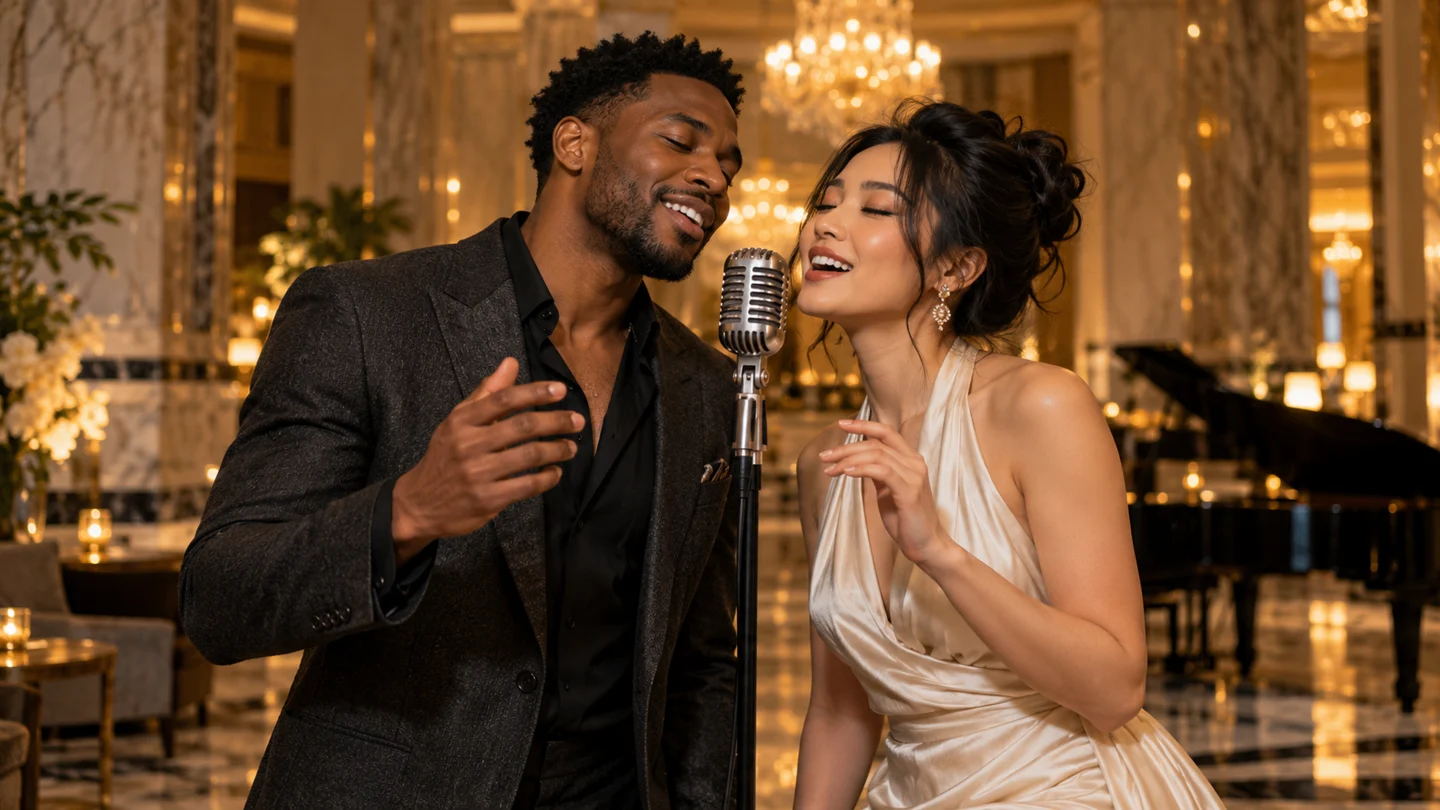
Keep faces easy to see
JPG, PNG and WebP up to 5 MB are supported and browser-decoded. Each side must be 301–5999 pixels, with aspect ratio greater than 0.4 and less than 2.5. Use clear, unobstructed faces; generated likeness can vary.
Match the input to the selected mode
Two portraits means one person per slot, with both photos required. One photo together means both people in the same image. Rap videos and all twelve photo effects support both options, and changing effects keeps your input mode. When restoring an old solo-effect draft, add the second portrait or switch and upload a photo together.
Use photos with permission
Use photos you have permission to use. Generation uploads them to private storage for processing by the provider used for the task (Fal or SeeAPI). Photos stay with their project and can be deleted from My videos. If phone uploads are enabled, guests can scan a code to transfer photos into this computer’s draft before signing in to generate. Phone transfers use private temporary storage, have a 10-minute link, and enter cleanup after receipt, cancellation or expiry; cleanup may retry.