Updated
How to Make an AI Rap Video from Photos
Make a duet from two portraits or one photo together. Follow the steps from choosing a stage and topic to confirming credits and downloading your video.
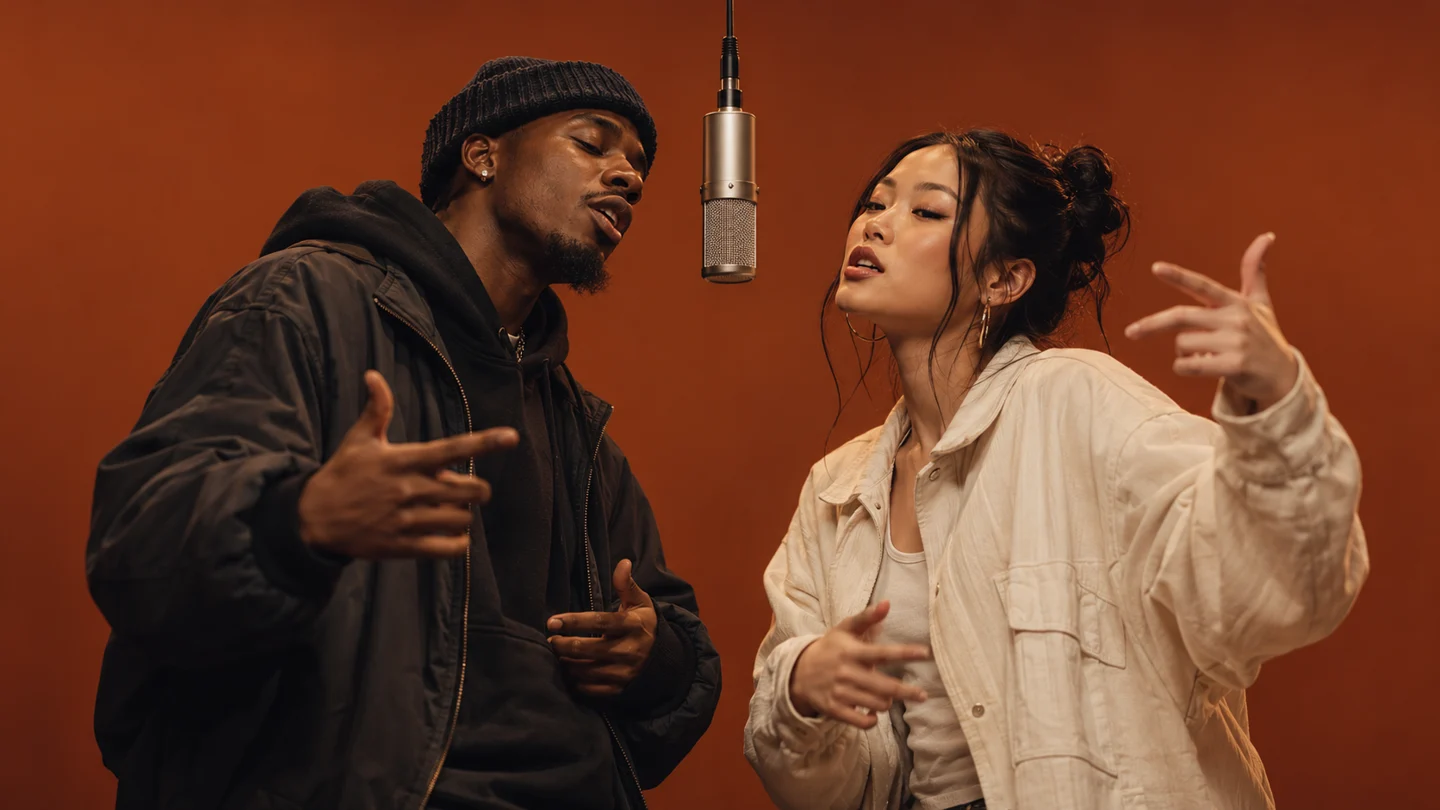
Start with the result you want
Choose Rap video and add two portraits or one clear photo of both people, then pick a stage. For a specific visual action, Photo effects offers 10 silent effects with the same two input modes. Each mode keeps its own local draft. If phone uploads are enabled, guests can scan a code to transfer photos into this computer’s draft before signing in to generate. Phone transfers use private temporary storage, have a 10-minute link, and enter cleanup after receipt, cancellation or expiry; cleanup may retry.
Make the details personal
Choose a topic such as friends, birthday wishes or a couple, or describe your own story in up to 120 characters. New rap videos use original English lyrics, vocals and music. Your photos guide the two performers’ identities; the scene guides the setting. Exact likeness, wording and lip synchronization can vary.
Submit and view My videos
Sign in, choose available settings, review the current credit cost and submit. Follow progress in My videos; tasks continue in the background if you leave the page. Review the finished video and sound before downloading, and check the requested and actual file specifications.