AI Freestyle Rap Generator: Ideas for Personal Duets
Build an AI freestyle rap video with focused topics for friends, birthdays and couples. Explore scene ideas, photo preparation and realistic expectations.
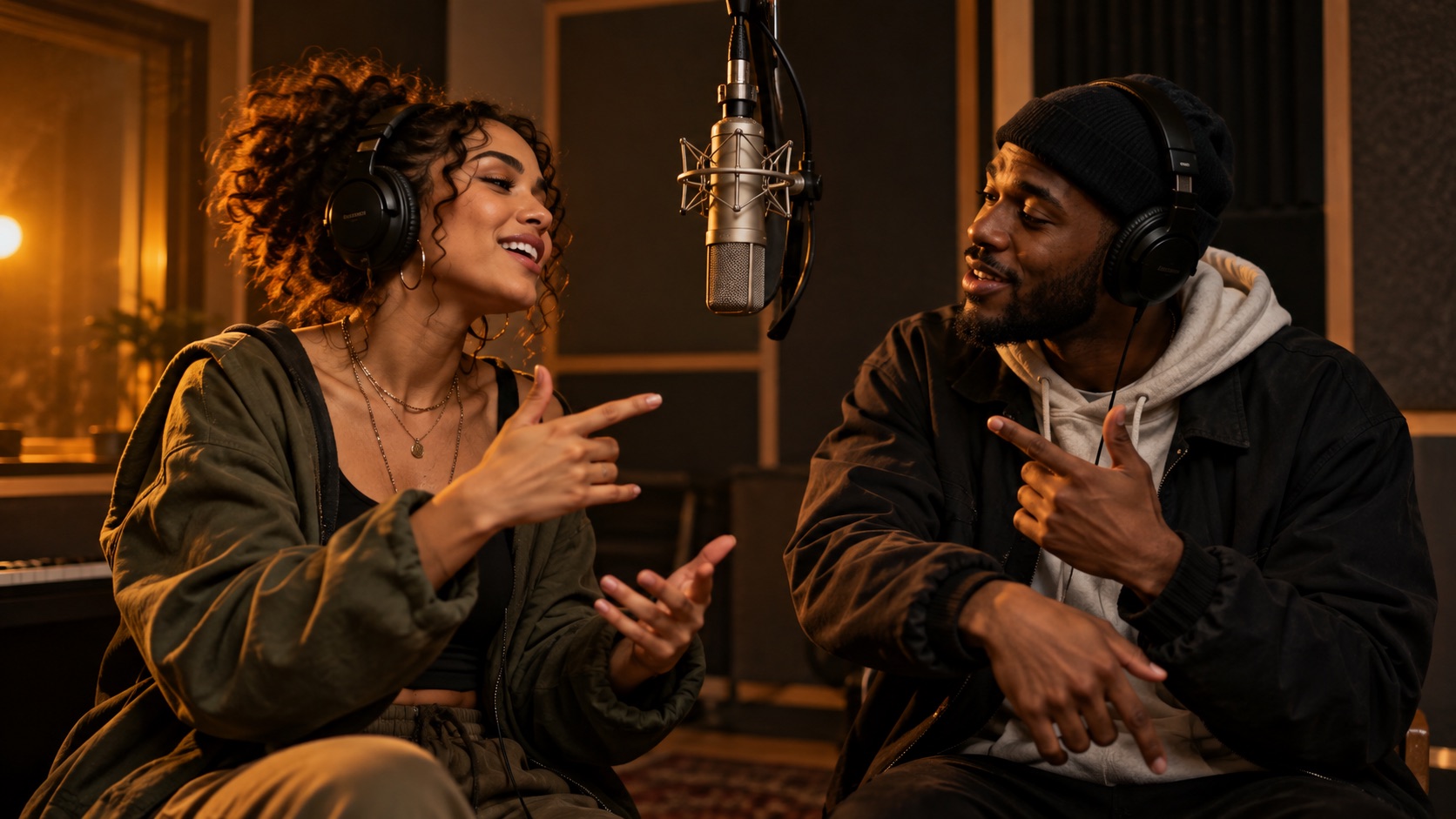
An AI freestyle rap generator can be a useful starting point when you have an occasion in mind but do not want to write a complete song. In AI RAP, you provide a short topic and photos of two people, then the model creates an original English duet video with lyrics, vocals and music.
Here, “freestyle” describes a flexible, topic-led creative approach. It does not mean a live microphone conversation, real-time battle, or a guarantee of improvised lyrics in a particular musical style. Real generation requires signing in, selecting available settings and confirming an account-credit quote.
The cover is an original conceptual illustration of a rehearsal, not a recording of a customer generation.
Give the freestyle one clear center
The easiest way to lose a short video's focus is to ask for several unrelated stories. Start with a single center: a birthday, a friendship milestone, a cooking rivalry or a shared achievement.
Then add one detail that gives the topic character. “A birthday video for my friend” is an occasion. “A birthday video for the friend who turns every dinner into a cooking competition” is an occasion with a recognizable story.
A useful topic should still make sense if you read it aloud without explaining the background. The model does not know your private history, so avoid an inside joke that consists only of a cryptic word or a reference nobody outside your group could interpret.
A simple formula for a short duet
Try this structure: who + shared detail + mood. You can swap the order, but keeping those three pieces helps the idea feel personal without becoming crowded.
For friends:
A playful duet about two best friends, wrong turns on every road trip and always arriving with a story.
For a birthday:
Celebrate Jamie's birthday, legendary homemade pizza and the dance moves nobody can copy.
For a couple:
A warm duet about our first coffee date, long walks and making ordinary Sundays feel special.
These are topic examples. The model decides how to turn the subject into new lyrics and a performance, so the result may use different words or emphasize a different part of the story.
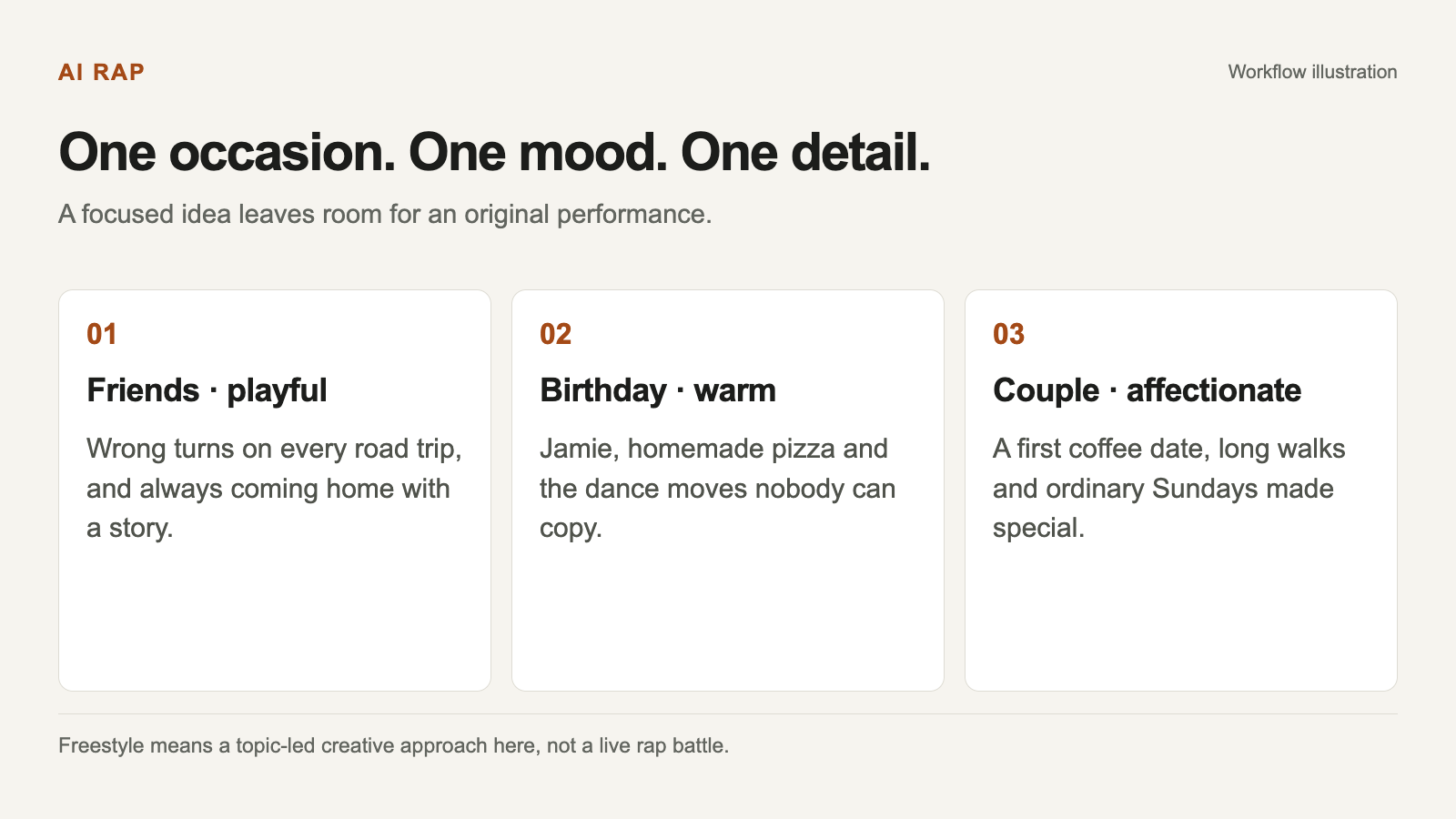
Select a diagram to view it at full size.
Adapt the details to your own occasion. The examples are creative briefs, not fixed lyrics.
Keep playful competition friendly
A light rivalry can give a duet a clear shape: who cooks the better meal, who takes longer to get ready, or who always wins at a harmless game. Choose something both people already find funny.
For example:
A friendly cooking showdown: one perfect pasta chef versus one enthusiastic kitchen disaster, ending with shared dinner.
The point is affectionate contrast. Avoid using the topic to expose secrets, humiliate someone or turn a sensitive disagreement into entertainment. If you would hesitate to read the brief to the person in the photograph, revise it before generating.
Use wording such as “gentle teasing,” “warm celebration” or “friendly rivalry” to state your intention. Those words guide the tone, but you still need to watch the finished video before sharing it.
Choose a stage that fits the story
The six stage options provide different visual directions. The orange booth can frame a close, conversational performance. A lobby suggests an entrance or celebration. The neon studio gives a nighttime mood, while a rooftop suggests a more reflective setting.
The street scene can support a playful outdoor idea, and the birthday scene connects directly to a birthday message. These are ways to match an environment to your brief, not promises about the soundtrack.
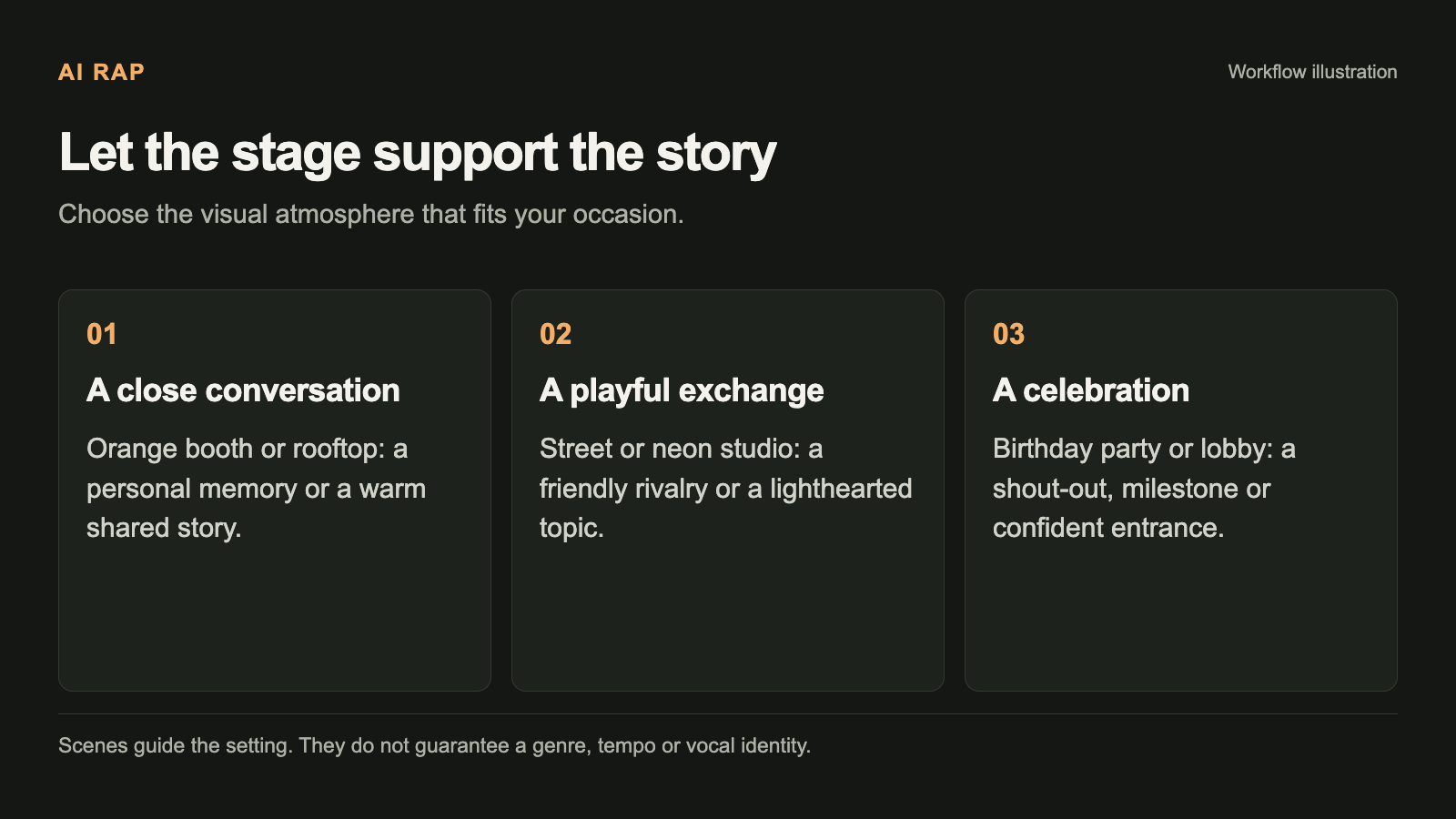
Scene choices guide the setting. They do not select a guaranteed genre, tempo or named artist's style.
Keep the scene and the topic in agreement. If the brief describes a quiet anniversary, adding a long list of action-heavy directions may work against the atmosphere you intended. The existing stage choice already communicates much of the visual setting.
Prepare the two performers
Use two clear individual portraits or one photograph of both people together. In the individual-portrait mode, both slots need a suitable image. In the together-photo mode, make sure both faces are visible and easy to distinguish.
You do not need a photograph of anyone holding a microphone. The image is a reference for identity; the scene supplies the creative environment. A simple portrait with even lighting is often easier to assess than an image dominated by props or a busy background.
Check the current format and size limits in the creator and the photo guide. Use photographs you have permission to use. The presence of a face in a public photo is not a reason to assume that person wants to appear in your joke.
Keep the topic within 120 characters
The topic field is intentionally short. Choose one detail instead of trying to include every memory from the relationship. You can save the other ideas for a different project.
Compare “a fun, cool, amazing, unforgettable rap about everything we have ever done together” with “ten years of friendship, midnight snacks and never missing a birthday.” The second offers usable subject matter while leaving room for original phrasing.
Avoid copying a full song into the topic box. AI RAP does not offer exact-lyrics performance or song uploads in this workflow. If your idea depends on a specific sentence being sung unchanged, review the lyrics guide before committing credits.
Select settings around the intended use
Think about where the recipient will watch the video. A portrait frame may suit a phone-focused gift, while another available ratio may fit a wider display. Review the available model, resolution and duration together because not every combination is supported.
A brief with one moment is easier to fit into a short clip than a story with a beginning, several events and a detailed conclusion. Do not assume that increasing duration automatically solves a vague prompt.
Use Pricing for the current rates and the creator for the exact task quote. The final settings and cost matter more than a default someone used in an older example.
Review before sharing
When the task finishes, check the whole video with sound. Look for recognizable performers, an appropriate mood and a story that makes sense without your original topic beside it. Likeness, wording and lip movements can vary.
If the tone is wrong, revise the topic before simply trying again. “Gentle birthday teasing” and “a ruthless roast” are different creative requests. If the setting feels distracting, simplify the visual direction.
Each new generation has its own quote. If the task is still processing or its status is uncertain, check My videos before submitting again. A connection problem alone does not establish that the original task failed.
Your first freestyle brief
Pick two people, one shared detail and one mood. Choose photographs with clear faces, select a compatible stage, and keep the topic short enough to understand immediately.
Then follow the first-video walkthrough. Start with a focused idea you can judge, rather than trying to force a whole album's worth of stories into one clip. A clear brief gives the generated duet room to be original while keeping the occasion at its center.