AI Rap Lyrics: Write Better Topics for Your Video
Turn personal stories into concise AI rap topics with examples for birthdays, friends and couples. Learn how AI RAP generates lyrics and what you can control.
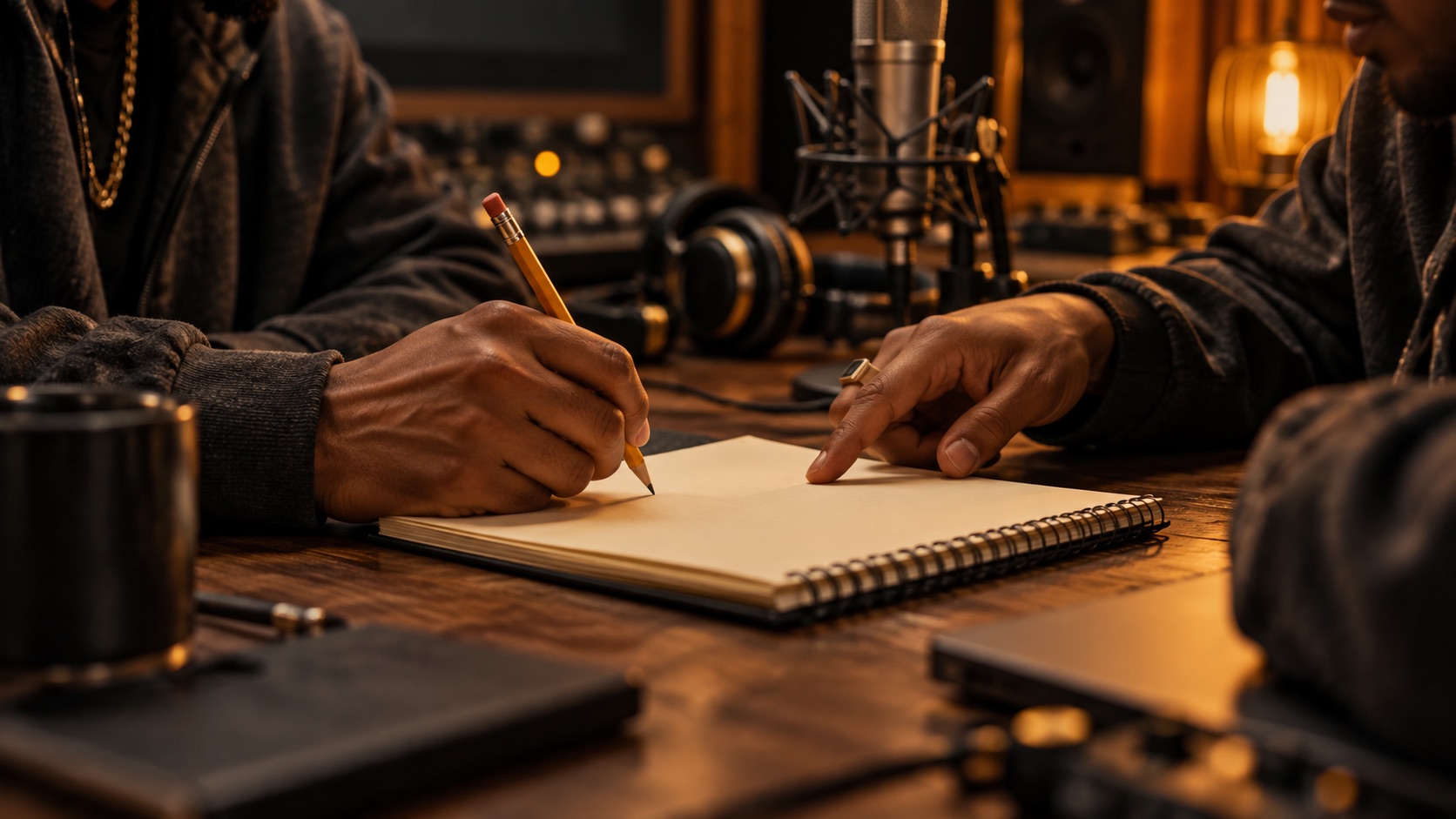
If you are searching for AI rap generator lyrics, you may want a verse to edit, a voice to perform your writing, or a video built around your story. In AI RAP, the topic is creative direction for a short photo duet. The model generates original English lyrics, vocals and music together.
There is no line-by-line lyric editor in this workflow, and exact wording is not guaranteed. You can suggest a name or a short phrase, but you should not treat the topic box as a script recorder. The most useful input is a compact idea that gives the performance something personal to say.
The cover is a conceptual illustration of collaborators developing an idea, not a screenshot or a customer result.
Begin with a memory rather than a rhyme
It is tempting to start with words that rhyme with a name. That can produce a neat sound while leaving the message empty. Begin with something the two people would recognize: an annual trip, a favorite meal, a shared project or a habit that makes everyone smile.
Write a plain sentence first. For example, “Nora always organizes our hiking trips, and Sam always brings too many snacks.” You now have a relationship and a contrast. Those details are more useful creative material than a string of generic compliments.
Do not worry about fitting a formal verse structure at this stage. You are choosing the subject of a short generated performance, not delivering a finished set of bars that must be reproduced unchanged.
Use a three-part topic framework
A simple framework is people + occasion + specific detail. Add the intended mood only if it helps distinguish the result you want. For a short video, one memorable detail usually communicates more clearly than a biography.
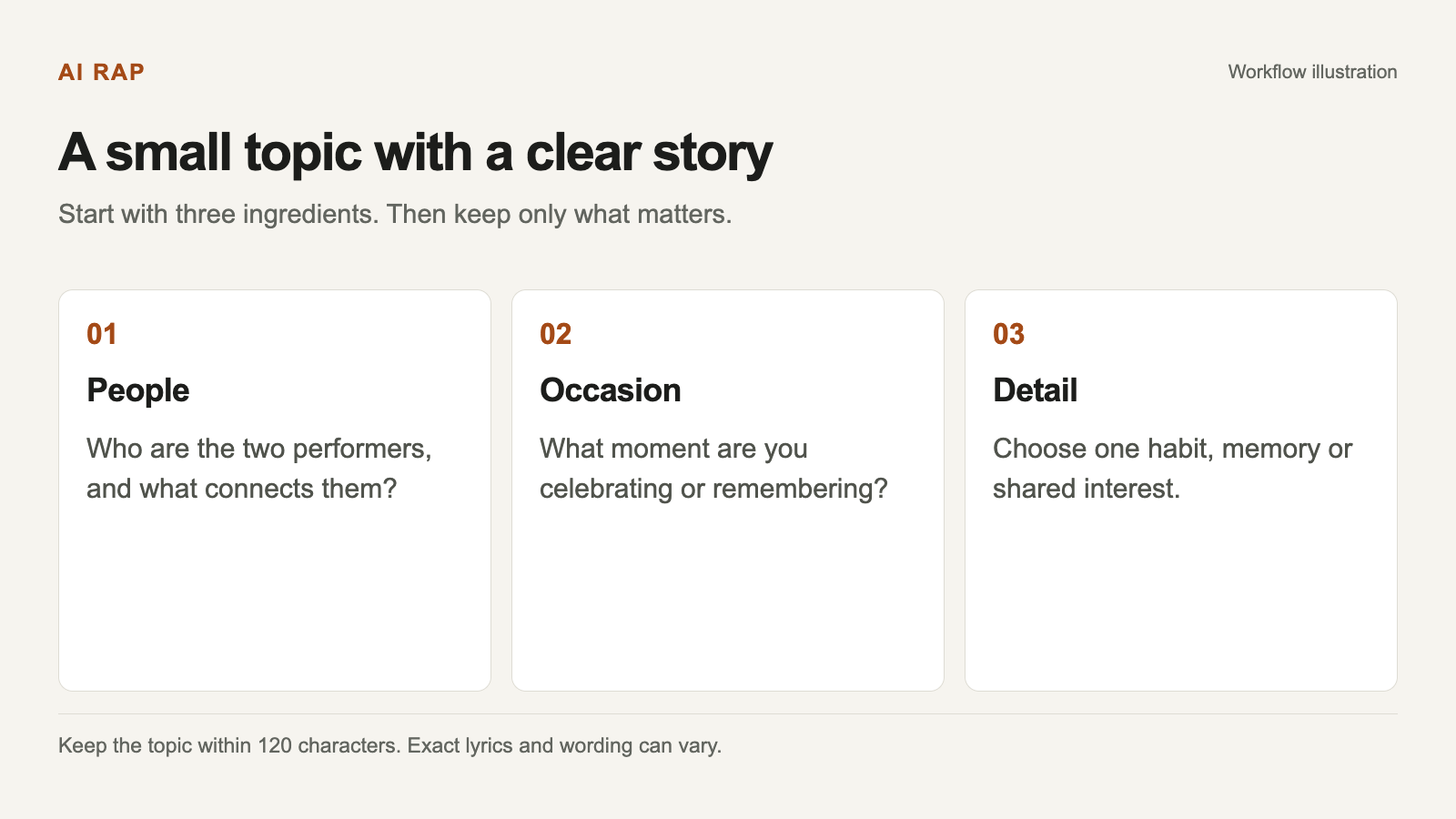
Select a diagram to view it at full size.
The framework helps you write a topic; it does not control the exact generated lyrics.
Consider the difference between these inputs:
- Broad: “Write a rap about friendship.”
- Focused: “Nora and Sam celebrate years of hiking, terrible weather and always sharing the last snack.”
The focused version still leaves room for original wording. It tells the model what matters while avoiding a long set of competing requirements.
Three examples you can adapt
For a birthday:
A warm birthday rap for Alex, our fearless cook, terrible dancer and the friend who brings everyone together.
For close friends:
Jordan and Casey celebrate road trips, wrong turns and ten years of laughing at the same terrible jokes.
For a couple:
A playful duet about our first coffee date, missing the last train and choosing each other every day.
Each example gives the short performance a clear center. Replace the details with something true and appropriate for your recipients. These are original topic examples, not predictions of the lyrics you will hear.
Avoid including private information just because it makes the brief specific. A shared public hobby is often enough. Full addresses, contact details and sensitive personal stories do not belong in a celebratory topic.
Edit for the 120-character topic limit
The topic field allows up to 120 characters. A good editing pass removes repeated instructions and keeps the subject intact. You rarely need phrases such as “please make me a very high-quality, extremely catchy, professional rap video.”
Instead of:
Please make a really fun birthday rap video for my friend Alex, who always cooks for us and makes our parties special.
Try:
Alex's birthday: our favorite cook, party host and the friend who makes everyone feel welcome.
The shorter version preserves the occasion and the personal detail. Use a separate note for your longer ideas, then copy only the distilled topic into the creator.
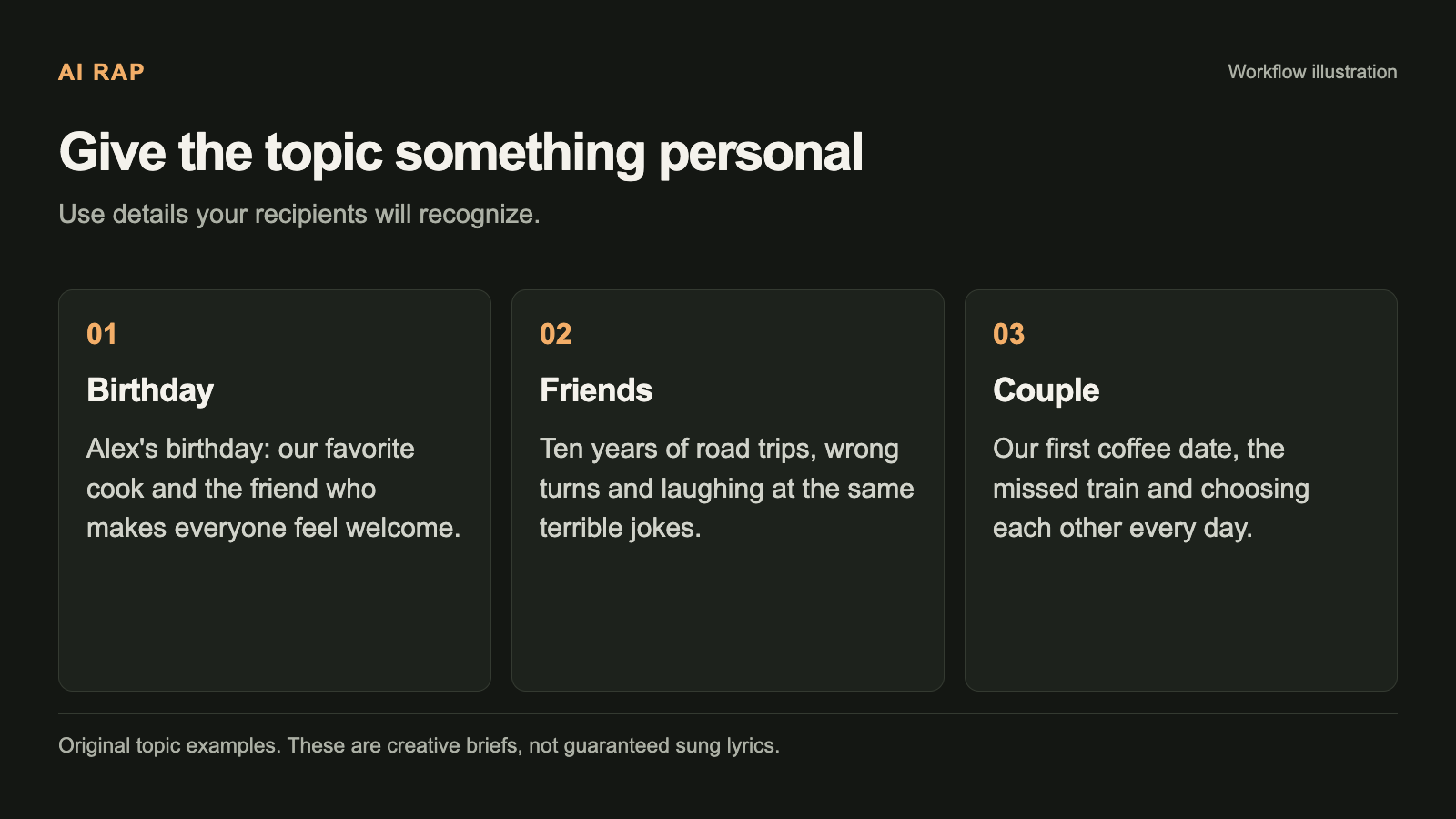
Use the examples as writing patterns, not as lyrics that will be sung word for word.
If a name is difficult to pronounce, adding many phonetic instructions can consume the space you need for the story. Consider whether the message works with a nickname the recipient actually uses. Pronunciation and exact inclusion can still vary.
Match the mood to the scene
A topic and a stage should support the same idea. An intimate shared memory may suit the orange booth or a quiet rooftop mood. A birthday shout-out has an obvious connection to the party setting. A playful contest may feel at home in the street scene.
The scene choice guides the visual environment. It is not a separate control for a precise musical genre, tempo or vocal identity. Avoid assuming that a picture of a street setting guarantees a particular flow or that a lobby guarantees a particular artist's sound.
If you need more starting points, the freestyle topic guide groups examples by occasion. Keep the setting decision simple enough that you can focus on the people and message.
Know which controls are actually available
AI RAP accepts two individual portraits or one photo of two people together, a stage, a short topic, and available model and video settings. The photo inputs guide the performers' identities. The topic guides the subject of the newly generated performance.
New rap videos use original English lyrics, vocals and music. Changing the website language does not change that singing-language rule. Song uploads and a complete custom-lyrics performance are not offered in this workflow.
A photo also does not provide a recording of someone's voice. If your main requirement is a specific real vocal identity, read the voice-generation explanation before deciding whether this format fits.
Review the result as a performance
After generation, listen to the complete video. Check whether the main idea came through, whether the tone is suitable, and whether both performers look acceptable. Also review the actual file specifications before downloading.
Do not judge only by whether a single suggested word appeared. A generated line might express the intended message differently. Conversely, including a name does not automatically make a result personal if the rest of the performance misses your occasion.
For a gift, consider what the recipient will understand without seeing your original prompt. The strongest detail is often something both of you recognize immediately. If the result is unclear, simplifying the topic may be more useful than adding more instructions.
If you want to revise the idea
Keep a copy of the first topic and write down one specific concern: too generic, too teasing, or not enough focus on the occasion. Then change only the relevant part of the brief.
For example, replace “a hilarious roast” with “gentle teasing with an affectionate ending” if the first direction feels too harsh. This changes the creative aim; it does not guarantee a particular sentence or ending in the next video.
A new generation is a new task with its own credit quote. Check the cost before submitting another attempt. Existing project snapshots remain useful references for comparing your choices.
A final writing checklist
Before opening the creator, check that you have one occasion, two appropriate performers, one recognizable detail and a tone you would be comfortable sharing with them. Keep the topic within the character limit and avoid promising yourself exact wording.
Then follow the first-video guide: choose suitable photos, select a scene, review the model and format, sign in, and confirm the current credit cost. The goal is to give the generated duet a clear story to work with, while leaving space for original lyrics.